Host Your Static Website on AWS S3
Simple, scalable, and cost-effective static website hosting with Amazon S3 buckets
Get Started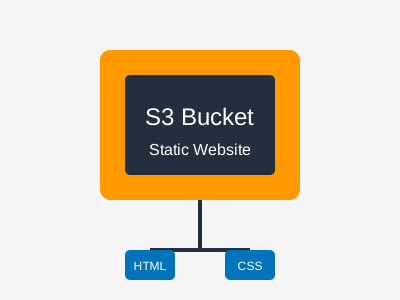
Simple, scalable, and cost-effective static website hosting with Amazon S3 buckets
Get Started

Pay only for the storage you use and the requests your site receives.

Handle any amount of traffic without worrying about server capacity.

Built-in security features and easy integration with CloudFront for HTTPS.

99.99% availability backed by Amazon's global infrastructure.
Create a new bucket in the AWS S3 console with a unique name.
Upload your HTML, CSS, images, and other static files to the bucket.
Enable static website hosting in the bucket properties and set index document.
Update bucket policy to allow public access to your website files.
{
  "Version": "2012-10-17",
  "Statement": [
    {
      "Sid": "PublicReadGetObject",
      "Effect": "Allow",
      "Principal": "*",
      "Action": "s3:GetObject",
      "Resource": "arn:aws:s3:::your-bucket-name/*"
    }
  ]
}